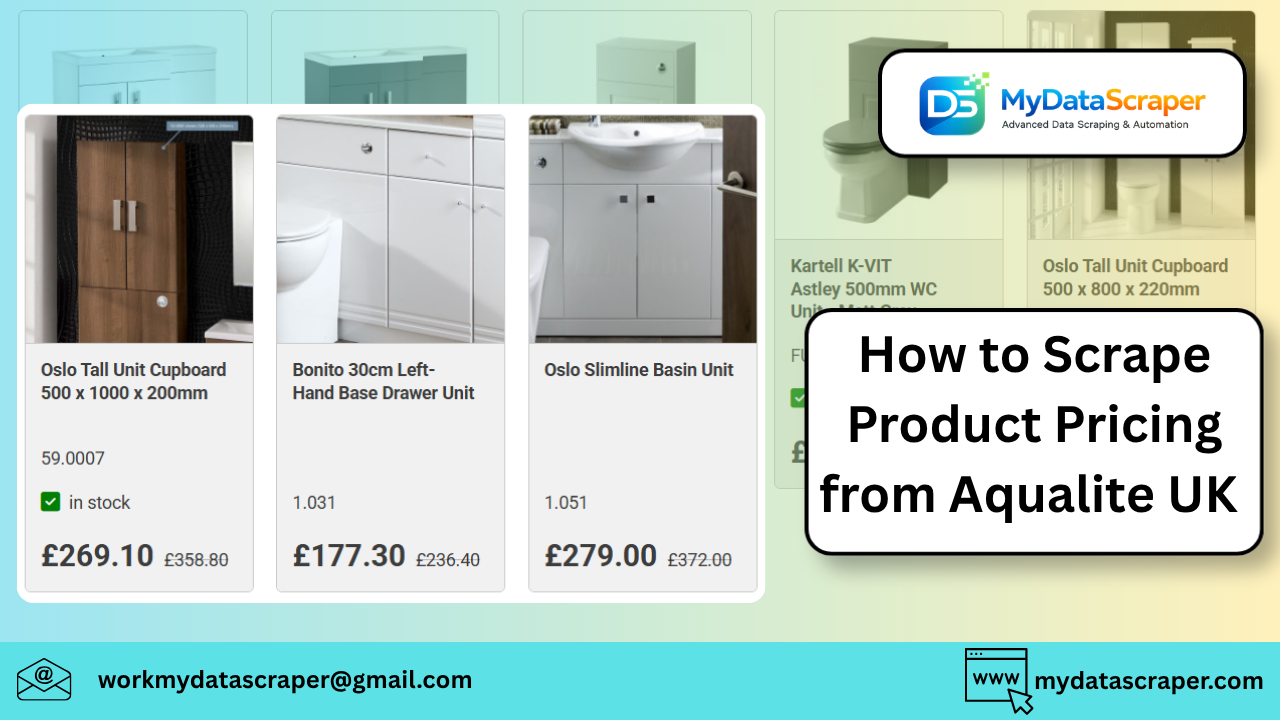
Scraping product pricing from Aqualite is a bit different from scraping typical e-commerce sites like Amazon or Zara. Why? Because Aqualite operates more like a catalog-style store with structured categories and trade-focused listings, not a flashy retail frontend.
But don’t worry—once you understand the structure, extracting pricing becomes straightforward.
Let’s walk through a clean, practical, step-by-step approach 👇
🧠 Understanding the Aqualite Website Structure
Before writing any code, you need to understand how the site is organized.
On the Aqualite shop:
- Products are grouped by categories (e.g., taps, showers, heating)
- Listings are often multi-level nested categories
- Some products show direct pricing, while others may require navigation into product pages
👉 Example categories include:
- Toilets
- Basins
- Heating systems
- Plumbing supplies
💡 Key insight:
Unlike typical e-commerce platforms, you’ll often need to:
- Crawl category pages
- Extract product links
- Then scrape pricing from individual product pages
📊 What Data You Should Extract
For pricing intelligence, capture:
💰 Pricing Data
- Product price
- Bulk/pack pricing (if available)
- VAT-inclusive/exclusive price
🧾 Product Details
- Product name
- Category
- SKU (if available)
📦 Additional Data
- Stock status
- Brand
- Specifications
🛠️ Step-by-Step Python Scraping Guide
Step 1: Install Dependencies
pip install requests beautifulsoup4
Step 2: Scrape Category Page
import requests
from bs4 import BeautifulSoupurl = "https://www.aqualite.co.uk/shop/"
headers = {"User-Agent": "Mozilla/5.0"}response = requests.get(url, headers=headers)
soup = BeautifulSoup(response.text, "html.parser")# Extract product/category links
links = soup.select("a")for link in links[:10]:
    print(link.get("href"))
👉 This helps you identify:
- Product URLs
- Category navigation structure
Step 3: Scrape Product Page (Core Logic)
def scrape_product(url):
    headers = {"User-Agent": "Mozilla/5.0"}
    response = requests.get(url, headers=headers)
    soup = BeautifulSoup(response.text, "html.parser")    # Product name
    name = soup.select_one("h1")
    name = name.text.strip() if name else None    # Price (adjust selector based on actual page)
    price = soup.select_one(".price, .amount")
    price = price.text.strip() if price else None    return {
        "name": name,
        "price": price,
        "url": url
    }
Step 4: Crawl Multiple Products
product_urls = [
    "https://www.aqualite.co.uk/example-product-1",
    "https://www.aqualite.co.uk/example-product-2"
]data = []for url in product_urls:
    try:
        data.append(scrape_product(url))
    except:
        continueprint(data)
⚡ Pro Tip: Look for Hidden APIs
Even though Aqualite is simpler than modern JS-heavy sites, always check:
👉 DevTools → Network → XHR
You might find:
- Product listing APIs
- Price endpoints
If available, use them instead of HTML scraping—it’s faster and more stable.
🚧 Challenges You’ll Face
1. Inconsistent Price Display
Some products:
- Show price directly
- Others may require login or inquiry
✔ Solution:
- Handle missing values
- Flag “price unavailable” cases
2. Deep Category Nesting
The site has multi-level navigation.
✔ Solution:
- Use recursive crawling
- Build category tree
3. No Standardized Layout
Different product types may use different HTML structures.
✔ Solution:
- Use multiple selectors
- Add fallback logic
4. Legal & Terms Consideration
The site explicitly states that:
- Content is protected
- Commercial use may require permission
👉 Always:
- Respect terms
- Avoid aggressive scraping
📈 Real-World Use Case
A UK-based supplier tracked pricing across plumbing merchants (including Aqualite) and discovered:
- Bulk pricing differed significantly from listed prices
- Some items were cheaper in-store vs online
- Seasonal discounts weren’t always visible on category pages
👉 Insight:
You need deep scraping (product-level), not just category scraping.
🚀 Scaling Your Scraper
If you’re building a serious system:
Use:
- Async scraping (
aiohttp) - Proxy rotation
- Retry logic
Store Data In:
- PostgreSQL
- MongoDB
Build:
- Price monitoring dashboards
- Alerts for price changes
🤖 How MyDataScraper Can Help
If you want to avoid building everything from scratch:
MyDataScraper provides:
✔ Aqualite Product Data Extraction
Structured pricing & catalog data
✔ Real-Time Monitoring
Track price changes automatically
✔ Multi-Supplier Comparison
Compare across UK plumbing suppliers
✔ Clean API Output
Ready for analytics
🏁 Final Thoughts
Scraping pricing from Aqualite is less about fighting anti-bots—and more about understanding structure and consistency.
If you:
- Crawl categories properly
- Extract product-level data
- Normalize pricing
👉 You can build a powerful pricing intelligence system for the UK plumbing market.
💬 Let’s Talk
Are you building:
- A supplier comparison tool?
- A pricing intelligence system?
- Or a procurement dashboard?
Tell me your goal—I’ll help you design the exact scraping pipeline.
📩 Need Help with Aqualite Data Scraping?
👉 https://www.mydatascraper.com/contact-us/
Let’s turn product data into real business insights 🚀