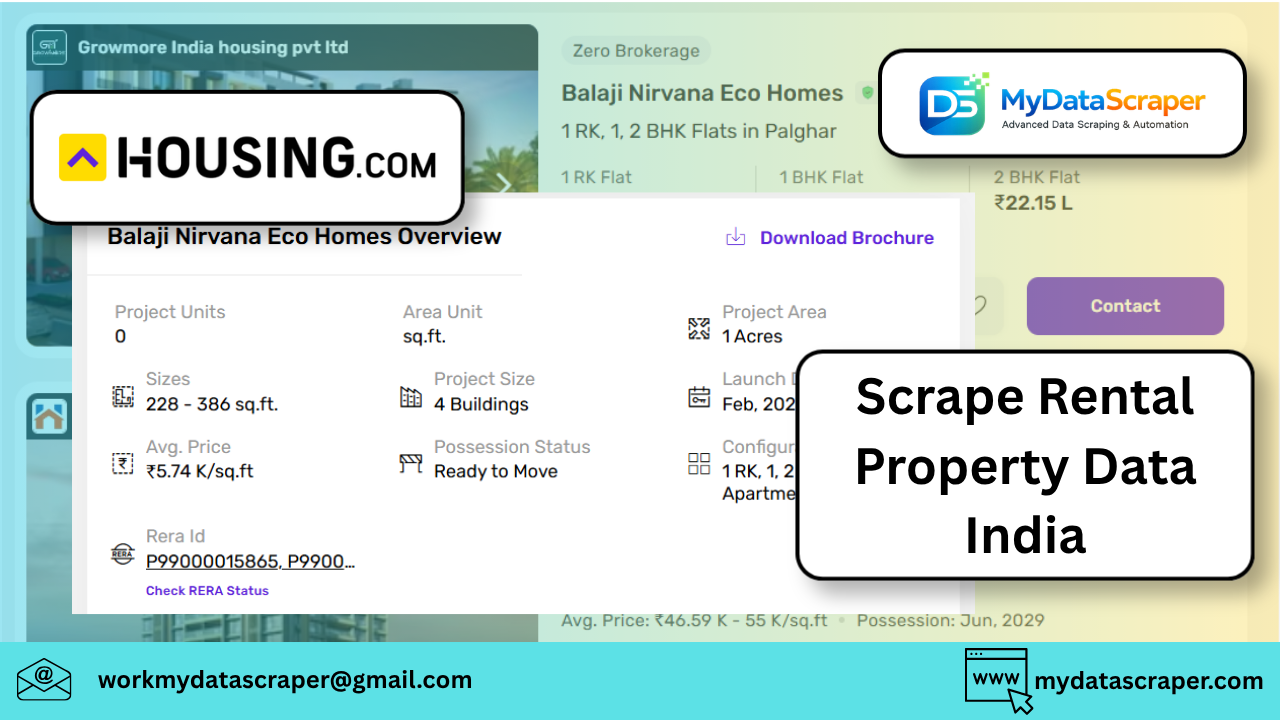
Scraping rental property data in India is one of the most valuable use cases for web scraping—especially for real estate analytics, rent prediction, and property marketplaces.
With platforms like 99acres, MagicBricks, Housing, and NoBroker hosting millions of listings, you can build powerful datasets for pricing intelligence and demand forecasting.
In this guide, I’ll show you:
- Where to scrape data from
- What data to collect
- A working Python approach
- Real-world challenges (and how to solve them)
📊 Why Scrape Rental Data in India?
India’s real estate market is highly dynamic:
- Rental prices change frequently
- Listings are updated daily
- Demand varies by city/locality
Platforms like 99acres and MagicBricks provide real-time rental listings, pricing, and property details, making them ideal for data extraction
👉 Businesses use this data for:
- Rent price prediction
- Investment analysis
- Lead generation
- Market trend tracking
🏢 Top Websites to Scrape
Focus on these major platforms:
1. 99acres
- Rental + sale listings
- Detailed property info
- Agent/owner data
2. MagicBricks
- Huge dataset across cities
- Includes amenities, locality insights
3. Housing.com / NoBroker
- Owner-first listings
- Less brokerage noise
👉 These platforms collectively form the core real estate data ecosystem in India
🧾 What Data Should You Extract?
A good rental dataset includes:
📍 Property Details
- Title
- Location (city, locality)
- Property type (1BHK, 2BHK, etc.)
💰 Pricing
- Monthly rent
- Deposit
- Price per sq.ft
🏠 Features
- Area (sq.ft)
- Furnishing (semi/full/unfurnished)
- Amenities (parking, gym, etc.)
👤 Listing Info
- Owner / Agent
- Contact details
- Listing date
👉 These fields are commonly extracted for analytics and forecasting use cases
🛠️ Python Script (Basic Scraper)
Step 1: Install Libraries
pip install requests beautifulsoup4
Step 2: Scrape Listing Page
import requests
from bs4 import BeautifulSoupurl = "https://www.example-property-site.com/rentals"headers = {
    "User-Agent": "Mozilla/5.0"
}response = requests.get(url, headers=headers)
soup = BeautifulSoup(response.text, "html.parser")properties = soup.select(".property-card")data = []for prop in properties:
    try:
        title = prop.select_one(".title").text.strip()
        price = prop.select_one(".price").text.strip()
        location = prop.select_one(".location").text.strip()        data.append({
            "title": title,
            "price": price,
            "location": location
        })
    except:
        continueprint(data[:5])
⚡ Better Approach: Scrape API (Highly Recommended)
Most Indian real estate sites use hidden APIs.
👉 Use Chrome DevTools → Network → XHR
Look for endpoints like:
/search/property/list/results
Then use:
import requestsurl = "https://example-api.com/properties?city=ahmedabad"headers = {
    "User-Agent": "Mozilla/5.0",
    "Accept": "application/json"
}response = requests.get(url, headers=headers)
data = response.json()for item in data["results"]:
    print(item["price"], item["location"])
👉 API scraping is:
- Faster
- More stable
- Easier to scale
🔄 Handling Pagination
Most platforms use:
- Page numbers (
?page=2) - Offset (
?start=20)
Loop through:
for page in range(1, 5):
    url = f"https://example.com?page={page}"
📍 Location-Based Scraping (Very Important)
Rental data depends heavily on location:
- Same property type → different price in each area
- Even within Ahmedabad → huge variation
👉 Always include:
- City
- Locality
- Pincode (if available)
🚧 Common Challenges
1. Anti-Bot Protection
Sites may block requests.
✔ Solution:
- Add headers
- Use proxies
- Add delays
2. Dynamic Content
Listings load via JavaScript.
✔ Solution:
- Use Selenium / Playwright
- Or scrape API instead
3. Duplicate / Fake Listings
From real user experiences:
Listings are often outdated or used to generate leads
✔ Solution:
- Filter by recent listings
- Remove duplicates
- Validate via multiple sources
4. Data Normalization
Example:
- “2 BHK” vs “2 Bedroom”
- Rent formats vary
✔ Solution:
- Clean and standardize data
📊 Real-World Use Case
A real estate analytics company scraped:
- 99acres
- MagicBricks
They tracked:
- Rent changes
- Listing frequency
- Demand hotspots
👉 Result:
- Identified underpriced areas
- Built rent prediction models
- Improved investment decisions
Scraping enabled real-time insights instead of outdated reports
🚀 Scaling Your Scraper
For production:
Use:
aiohttp(async requests)- Rotating proxies
- Playwright (headless browser)
Store data in:
- PostgreSQL / MongoDB
- Data warehouse
Build:
- Rent trend dashboards
- Alerts for price drops
🤖 How MyDataScraper Can Help
If you want to skip all the complexity:
MyDataScraper provides:
✔ Rental Data Extraction at Scale
99acres, MagicBricks, NoBroker & more
✔ Real-Time Property Monitoring
Track price changes and new listings
✔ Location-Based Insights
City & locality-level analytics
✔ Clean Structured Datasets
Ready for dashboards & ML
🔮 Future of Rental Data Intelligence
We’re moving toward:
- AI-based rent prediction
- Smart investment recommendations
- Hyperlocal pricing intelligence
- Automated property valuation
🏁 Final Thoughts
Scraping rental property data in India gives you a massive competitive advantage.
Start simple:
- One city
- One platform
Then scale to:
- Multi-platform scraping
- Real-time tracking
- Predictive analytics
💬 Let’s Talk
Are you planning to build:
- A property marketplace?
- A rent prediction tool?
- Or investment analytics?
Tell me your goal—I can help you design the exact scraping architecture 🚀