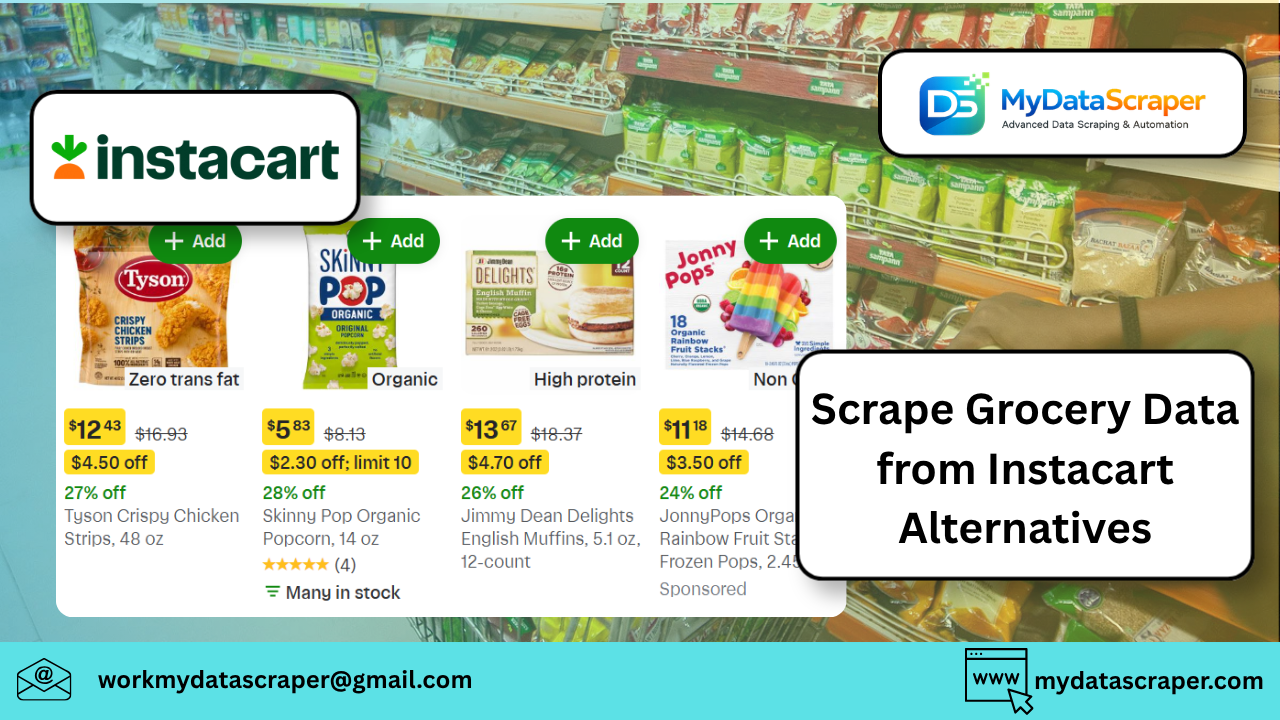
In today’s fast-moving grocery ecosystem, relying on a single platform like Instacart is limiting. Businesses now track multiple grocery delivery platforms simultaneously to get accurate, real-time pricing insights.
From Blinkit to BigBasket and Amazon Fresh, each platform has its own pricing strategy, catalog, and discount cycles.
In this guide, you’ll learn how to scrape grocery data from Instacart alternatives using Python, along with real-world insights, challenges, and scaling strategies.
🧠 Why Scrape Instacart Alternatives?
Let me share a quick story.
While working on a grocery price comparison tool, we initially tracked only one platform. The insights were useful—but incomplete.
The moment we added multiple platforms like Blinkit and BigBasket, everything changed:
- Price differences of 10–25% for the same product
- Flash discounts appearing on one app but not others
- Location-based pricing variations
That’s when it became clear—multi-platform scraping is the real advantage.
👉 Real-time grocery scraping helps businesses:
- Track competitor pricing
- Monitor discounts and promotions
- Analyze demand trends
- Build pricing intelligence systems
🛒 Popular Instacart Alternatives to Scrape
🌍 Global Platforms
- Amazon Fresh
- Shipt
- Walmart Grocery
These platforms offer:
- Large catalogs
- Stable pricing models
- API-like structures (sometimes easier to scrape)
🇮🇳 India Quick-Commerce Platforms
- Blinkit
- Zepto
- BigBasket
- Swiggy Instamart
These are especially interesting because:
- Prices change multiple times per day
- Discounts are aggressive
- Inventory is location-dependent
👉 Platforms like Blinkit and BigBasket dominate grocery delivery with dynamic pricing models and large product catalogs
⚙️ What Data Should You Extract?
For real-time pricing intelligence, collect:
🧾 Product Data
- Product name
- Brand
- Category
💰 Pricing Data
- MRP
- Discounted price
- Offer tags
📦 Availability
- In stock / out of stock
- Delivery ETA
📍 Location Context
- City / pincode-based pricing
🛠️ Python Scraping Architecture
Step 1: Identify API Calls (Best Approach)
Most grocery apps use internal APIs.
👉 Open DevTools → Network → XHR
Look for:
/search/products/listing
These endpoints often return clean JSON data (no parsing needed).
Step 2: Python Script (API-Based Scraping)
import requests
import jsonheaders = {
    "User-Agent": "Mozilla/5.0",
    "Accept": "application/json"
}url = "https://example-api.com/products?category=fruits"response = requests.get(url, headers=headers)data = response.json()products = []for item in data["products"]:
    products.append({
        "name": item.get("name"),
        "price": item.get("price"),
        "mrp": item.get("mrp"),
        "discount": item.get("discount"),
        "availability": item.get("in_stock")
    })print(products[:5])
Step 3: HTML Scraping (Fallback)
If APIs are hidden, use BeautifulSoup:
from bs4 import BeautifulSoup
import requestsurl = "https://example.com/category"
html = requests.get(url).textsoup = BeautifulSoup(html, "html.parser")products = soup.select(".product-card")for p in products:
    name = p.select_one(".title").text
    price = p.select_one(".price").text    print(name, price)
Step 4: Handle Pagination & Infinite Scroll
Most grocery platforms use:
- Infinite scroll
- Cursor-based pagination
👉 Solution:
- Capture API request parameters (
page,offset,cursor) - Loop through them
⚡ Real-Time Scheduling
To track price changes:
- Run scraper every 15–60 minutes
- Store historical data
- Detect price changes
📊 Advanced Use Case: Multi-Platform Price Comparison
Developers often build tools that compare prices across apps.
A Reddit developer shared:
“People open Blinkit, Zepto, and Instamart just to check which one’s cheaper.”
This led to apps that:
- Compare cart prices
- Optimize total checkout cost
- Suggest cheapest platform
🚧 Key Challenges
1. Location-Based Pricing
Prices vary by:
- City
- Pincode
👉 Solution:
- Use geo-specific headers or tokens
2. Anti-Bot Systems
Platforms may block scraping via:
- Rate limiting
- Tokens
- Session validation
👉 Solution:
- Rotate proxies
- Use session cookies
3. Product Matching Across Platforms
Same product may appear as:
- Different names
- Different sizes
👉 Solution:
- Normalize by:
- Brand
- Quantity
- Price per unit
4. Dynamic Pricing
Quick-commerce platforms change prices frequently based on:
- Demand
- Inventory
- Time of day
🚀 Scaling Your Scraper
For production systems:
Use:
- Async scraping (aiohttp)
- Proxy rotation
- Headless browsers (Playwright)
Store Data In:
- PostgreSQL / MongoDB
- Data warehouse (BigQuery)
Build:
- Price tracking dashboards
- Alert systems
🤖 How MyDataScraper Can Help
If you want to skip the complexity and go straight to insights:
MyDataScraper offers:
✔ Multi-Platform Grocery Data Extraction
Blinkit, Zepto, BigBasket, Amazon Fresh & more
✔ Real-Time Price Monitoring
Track SKU-level pricing changes
✔ Location-Based Intelligence
City-wise and pincode-level insights
✔ Clean Structured Data
Ready for analytics & dashboards
✔ Scalable Infrastructure
Millions of products across platforms
🔮 Future of Grocery Price Intelligence
We’re moving toward:
- AI-driven pricing optimization
- Hyperlocal dynamic pricing
- Real-time competitor benchmarking
- Cart-level price optimization
The businesses winning today are not just collecting data—they’re acting on it instantly.
🏁 Final Thoughts
Scraping grocery data from Instacart alternatives unlocks a complete view of the market, not just a slice of it.
Start simple:
- One platform
- One category
Then scale to:
- Multi-platform scraping
- Real-time tracking
- Predictive insights
💬 Let’s Talk
Have you tried scraping grocery platforms before?
Which one gave you the toughest challenge—Blinkit, Zepto, or BigBasket?
Drop your thoughts below—I’d love to hear your experience.
📩 Need Help with Grocery Data Scraping?
If you want a scalable, real-time grocery pricing system without dealing with blocks, APIs, and maintenance:
👉 https://www.mydatascraper.com/contact-us/
Let’s turn grocery data into actionable intelligence 🚀