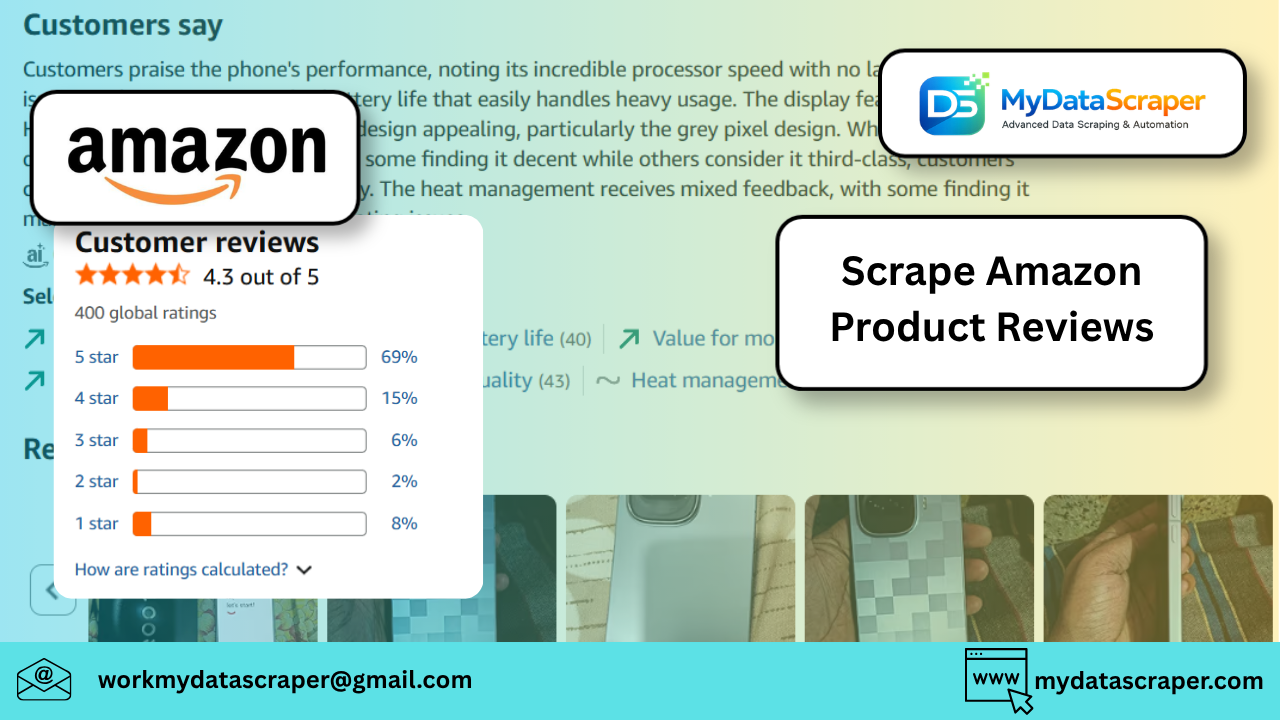
Scraping product reviews from Amazon using Python is a very common requirement for sentiment analysis, competitor research, and product insights. However, Amazon has strong anti-bot protections, so you need to approach this carefully.
Below is a practical, working approach along with best practices and scaling tips.
🧠 Before You Start (Important)
Amazon actively blocks scraping via:
- CAPTCHA
- IP blocking
- Dynamic HTML
👉 So:
- Avoid aggressive requests
- Use headers + delays
- Consider proxies for scale
🛠️ Method 1: Simple Python Script (Basic Scraping)
This works for small-scale extraction (may break if Amazon blocks you).
✅ Install dependencies
pip install requests beautifulsoup4
📜 Python Script
import requests
from bs4 import BeautifulSoup
import timeHEADERS = {
    "User-Agent": "Mozilla/5.0 (Windows NT 10.0; Win64; x64)",
    "Accept-Language": "en-US,en;q=0.9"
}def get_reviews(asin, pages=3):
    reviews = []    for page in range(1, pages + 1):
        url = f"https://www.amazon.com/product-reviews/{asin}/?pageNumber={page}"        response = requests.get(url, headers=HEADERS)        if response.status_code != 200:
            print("Blocked or failed request")
            break        soup = BeautifulSoup(response.text, "html.parser")        review_blocks = soup.select('[data-hook="review"]')        for review in review_blocks:
            try:
                title = review.select_one('[data-hook="review-title"]').text.strip()
                rating = review.select_one('[data-hook="review-star-rating"]').text.strip()
                body = review.select_one('[data-hook="review-body"]').text.strip()                reviews.append({
                    "title": title,
                    "rating": rating,
                    "review": body
                })
            except:
                continue        time.sleep(2)  # prevent blocking    return reviews# Example usage
asin = "B08N5WRWNW"  # Replace with actual product ASIN
data = get_reviews(asin, pages=2)for r in data:
    print(r)
⚡ Method 2: Selenium (Better for Dynamic Content)
Use this if:
- Reviews don’t load properly
- You get blocked with requests
✅ Install
pip install selenium
📜 Selenium Script
from selenium import webdriver
from selenium.webdriver.common.by import By
import timedriver = webdriver.Chrome()def scrape_reviews(asin):
    url = f"https://www.amazon.com/product-reviews/{asin}"
    driver.get(url)    time.sleep(3)    reviews = driver.find_elements(By.CSS_SELECTOR, '[data-hook="review"]')    data = []    for r in reviews:
        try:
            title = r.find_element(By.CSS_SELECTOR, '[data-hook="review-title"]').text
            rating = r.find_element(By.CSS_SELECTOR, '[data-hook="review-star-rating"]').text
            body = r.find_element(By.CSS_SELECTOR, '[data-hook="review-body"]').text            data.append({
                "title": title,
                "rating": rating,
                "review": body
            })
        except:
            continue    return datareviews = scrape_reviews("B08N5WRWNW")for r in reviews:
    print(r)driver.quit()
🚀 Method 3: Production-Ready Approach (Recommended)
For serious use cases, don’t rely on raw scripts.
Use:
- Rotating proxies
- CAPTCHA solvers
- Headless browsers (Playwright)
- Request throttling
📊 Data You Can Extract
From Amazon reviews:
- Review title
- Star rating
- Review text
- Reviewer name
- Verified purchase
- Review date
- Helpful votes
⚠️ Common Issues & Fixes
❌ Blocked Requests (503 / CAPTCHA)
✔ Add delays
✔ Rotate IPs
✔ Use residential proxies
❌ Missing Data
✔ Amazon changes HTML often
✔ Update selectors regularly
❌ Pagination Issues
✔ Use pageNumber parameter
✔ Or click “Next” via Selenium
💡 Pro Tips (From Real Experience)
- Scrape slowly but consistently
- Store raw HTML for debugging
- Use retry logic
- Combine with sentiment analysis (NLP)
🧠 Real Use Case
A brand tracked competitor products on Amazon and discovered:
- Negative reviews spike after price increases
- Delivery-related complaints affect ratings more than product issues
- 3-star reviews contain the most actionable feedback
👉 These insights helped improve product positioning and customer satisfaction.
🤖 How MyDataScraper Can Help
If you’re planning to scrape Amazon at scale, DIY scripts won’t hold up.
MyDataScraper provides:
✔ Large-Scale Review Extraction
Millions of reviews across products
✔ Clean Structured Data
Ready for ML / analytics
✔ Anti-Bot Handling
Proxies, CAPTCHA solving, automation
✔ Real-Time Monitoring
Track new reviews instantly
✔ Custom Dashboards
Analyze sentiment, ratings, trends
🏁 Final Thoughts
Scraping Amazon reviews using Python is a great starting point—but scaling it requires the right infrastructure.
Start simple → validate data → then scale smartly.
💬 Let’s Hear From You!
What are you planning to build with Amazon review data?
Sentiment analysis? Competitor tracking? Product research?
Drop your thoughts below—I’d love to help refine your approach.
📩 Need Help with Amazon Review Scraping?
If you want a scalable, reliable solution without dealing with blocks and maintenance:
👉 https://www.mydatascraper.com/contact-us/
Let’s turn review data into actionable insights 🚀