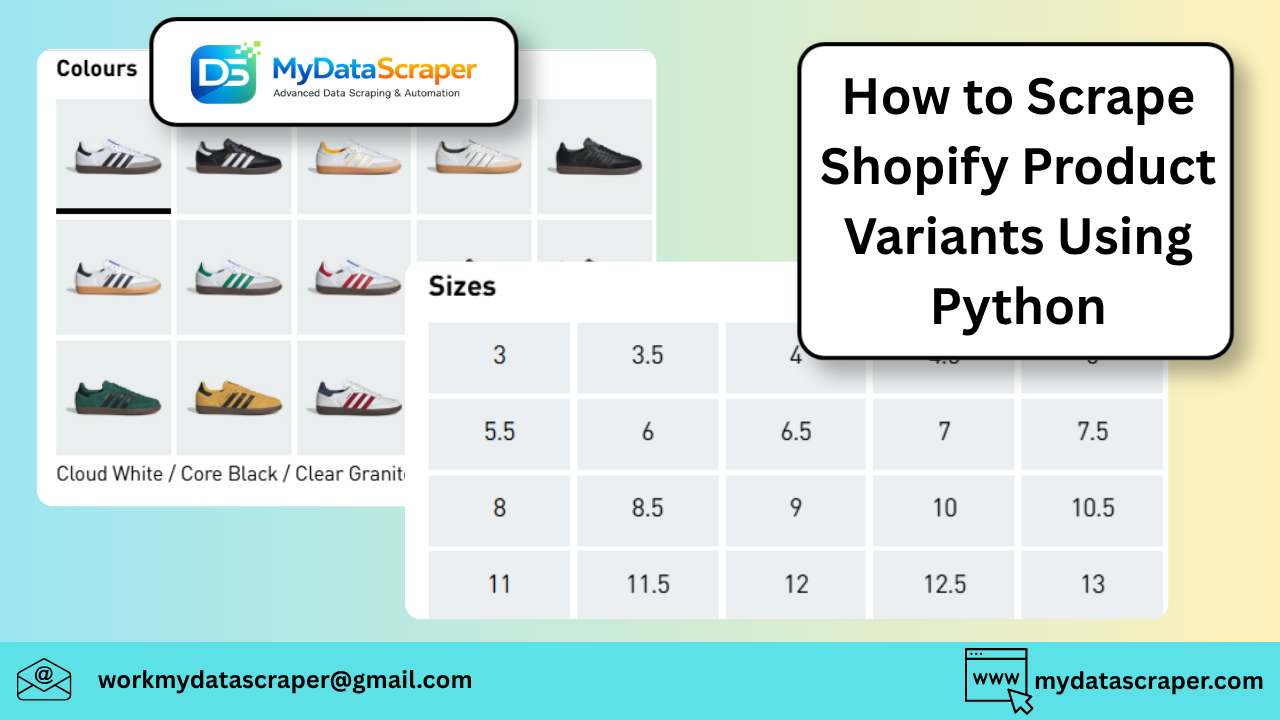
Scraping product variants (like size, color, price, SKU) from Shopify stores is actually much easier than most people expect—because Shopify exposes structured product data via a built-in JSON endpoint.
Let’s go step-by-step and build a clean, reliable Python scraper for Shopify variants 👇
🧠 Why Shopify is Easy to Scrape
Most Shopify stores support this endpoint:
👉
/products/<product-handle>.json
This returns structured JSON, including:
- Variants
- Prices
- Inventory
- Options (size, color, etc.)
No need to parse messy HTML.
📦 What Are Product Variants?
Variants are different versions of a product, such as:
- Size (S, M, L)
- Color (Red, Blue)
- Material
- Pack size
Each variant has:
- Its own price
- SKU
- Availability
🛠️ Step-by-Step Python Script
Step 1: Install Requests
pip install requests
Step 2: Get Product JSON
Example product:
https://examplestore.com/products/t-shirt.json
Step 3: Python Code
import requestsdef get_shopify_variants(product_url):
    # Convert product URL to JSON endpoint
    json_url = product_url + ".json"    response = requests.get(json_url)    if response.status_code != 200:
        print("Failed to fetch product")
        return []    data = response.json()    product = data.get("product", {})
    variants = product.get("variants", [])    results = []    for v in variants:
        results.append({
            "product_name": product.get("title"),
            "variant_id": v.get("id"),
            "sku": v.get("sku"),
            "price": v.get("price"),
            "compare_at_price": v.get("compare_at_price"),
            "option1": v.get("option1"),  # e.g., size
            "option2": v.get("option2"),  # e.g., color
            "available": v.get("available")
        })    return results# Example usage
url = "https://examplestore.com/products/t-shirt"
variants = get_shopify_variants(url)for v in variants:
    print(v)
📊 Example Output
[
  {
    "product_name": "Classic T-Shirt",
    "variant_id": 123456,
    "sku": "TS-RED-M",
    "price": "19.99",
    "compare_at_price": "29.99",
    "option1": "M",
    "option2": "Red",
    "available": true
  }
]
⚡ Bonus: Get All Products from a Shopify Store
Shopify also supports:
/products.json
Example:
url = "https://examplestore.com/products.json?limit=250"
Loop Through All Products
def get_all_products(base_url):
    url = base_url + "/products.json?limit=250"
    response = requests.get(url)    return response.json().get("products", [])
🚀 Extract Variants for Entire Store
products = get_all_products("https://examplestore.com")all_variants = []for p in products:
    for v in p.get("variants", []):
        all_variants.append({
            "product": p.get("title"),
            "price": v.get("price"),
            "variant": v.get("option1"),
            "available": v.get("available")
        })print(len(all_variants))
🚧 Common Issues
1. JSON Endpoint Disabled
Some stores block /products.json
✔ Solution:
- Use HTML scraping fallback
- Or use headless browser
2. Pagination Limit (250 products)
✔ Solution:
Use pagination:
?page=2
3. Missing Variant Options
Some products only use:
option1
Others use:
option1,option2,option3
✔ Always handle dynamically.
4. Inventory Not Available
Some stores hide inventory.
✔ Use:
availablefield instead
📈 Real-World Use Cases
Businesses use Shopify variant data for:
- 🛒 Price monitoring
- 📊 Inventory tracking
- 🎯 Product optimization
- 🧠 Demand forecasting
🤖 Pro Tips (From Experience)
- Always prefer JSON over HTML scraping
- Cache product data to reduce requests
- Normalize variant options (size/color)
- Track price changes over time
🔥 Scaling This
For large-scale scraping:
- Use async requests (
aiohttp) - Add proxy rotation
- Store in database (MongoDB/PostgreSQL)
🤖 How MyDataScraper Can Help
If you want Shopify data at scale without building scrapers:
✔ Full Store Extraction
Products, variants, pricing
✔ Real-Time Updates
Track price & inventory changes
✔ Clean Structured API
Ready for dashboards
✔ Multi-Store Monitoring
Track competitors easily
🏁 Final Thoughts
Shopify is one of the easiest platforms to scrape—if you know about the JSON endpoints.
Once you:
- Access product JSON
- Extract variants
- Normalize data
👉 You can build powerful e-commerce intelligence systems.
💬 Let’s Talk
What are you building?
- Price tracker?
- Competitor monitoring tool?
- Inventory analytics?
Tell me — We can help you scale this properly 🚀